
By late afternoon it’s a familiar package: eyes that feel sandy and hot, focus that smears when you look up from the screen, maybe a dull headache behind it all. Digital eye strain is one of the most common complaints of desk life, and the reassuring news comes first: eye-care groups generally describe it as temporary discomfort, not something shown to cause lasting damage. The even better news is that relief is mostly free, and none of it requires quitting screens.
What Screen Strain Actually Is
Two things happen when you concentrate on a screen. First, your blink rate drops — sharply — and the blinks you do take tend to be incomplete, so the surface of the eye dries out. Second, the tiny muscles that focus your eyes hold one close-range position for hours, something they never evolved to do. Add a screen that’s too bright for the room, glare bouncing off the glass, and a chin creeping toward the monitor, and you get the full symptom set: dryness, blur, headaches, even the stiff neck that comes along for the ride. Notice what’s not on the list of causes: screens emitting something harmful. The problem is how we look, not rays coming off the glass.
The 20-20-20 Habit
The remedy eye-care professionals most commonly recommend is almost suspiciously simple: every 20 minutes, look at something about 20 feet away for at least 20 seconds. Distance is what matters — gazing across the room or out a window lets those focusing muscles finally unclench, and the pause gives you a run of full, rewetting blinks. The trick is anchoring it to things that already happen: every time you finish an email, hit a loading screen, or take a phone call, eyes go to the window. It costs nothing, and most people who actually do it feel the difference within days.
Set Up the Screen So It Stops Fighting You
A few one-time adjustments quietly remove most of the daily grind:
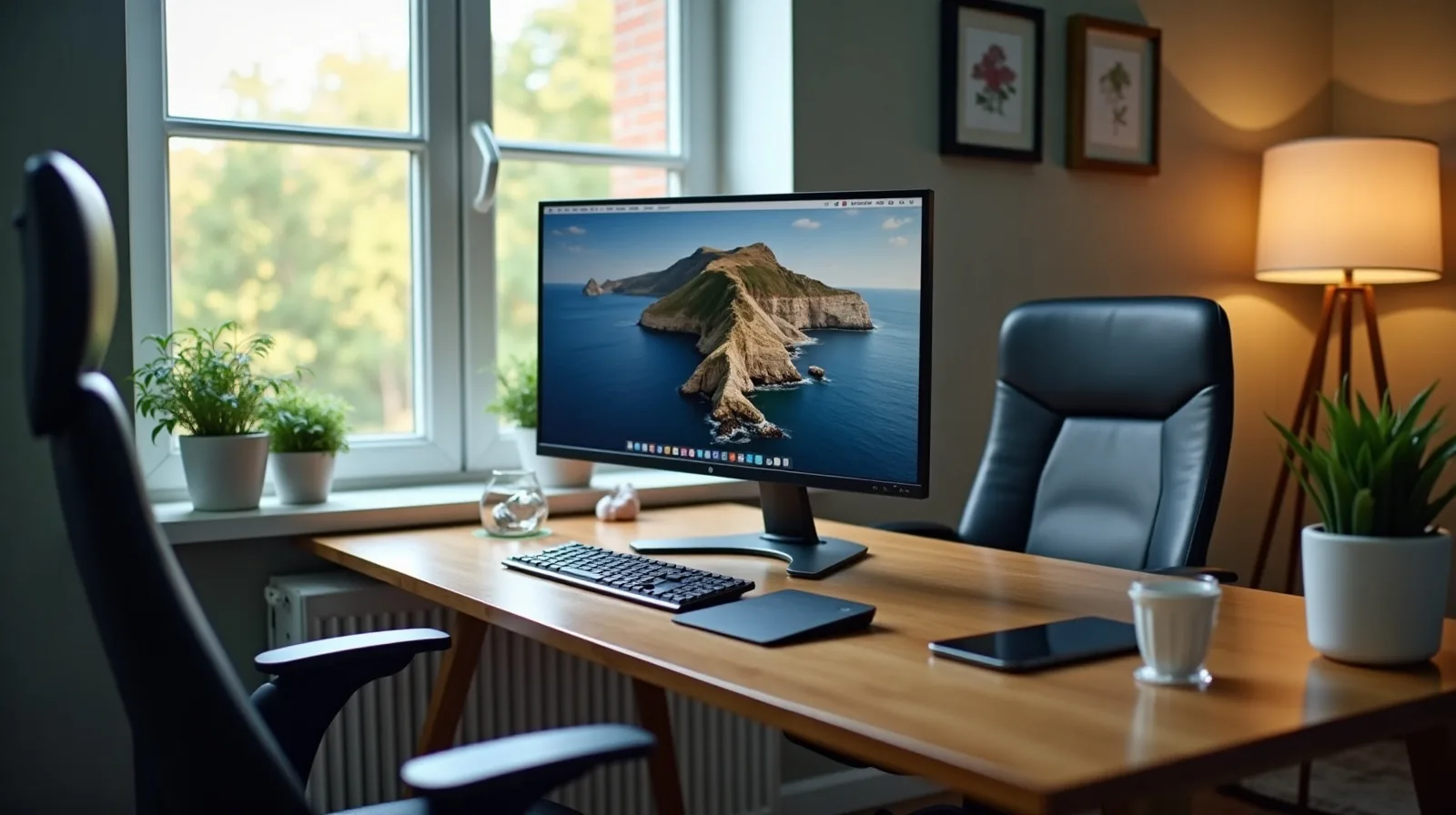
- Arm’s length, slightly below eye level. Sit back from the screen and keep its top at or just under your eye line, so your eyes rest slightly downward — their comfortable default.
- Kill the glare. Position the screen so it neither faces a window nor backs onto one; a small angle change often does it.
- Match brightness to the room. A screen glowing like a lantern in a dim room is a strain machine — the display should roughly match the light around it.
- Bump the text size. If you squint or lean in to read, the font is too small. Enlarging it is not an admission of anything.
- Blink on purpose, and consider drops. A few deliberate full blinks each break helps; over-the-counter lubricating drops can too, and a pharmacist can point you to a suitable one.
As for blue-light glasses: research so far hasn’t found much evidence they help with strain — the habits above do more than the lenses.
When It’s More Than Strain
Strain should ease with breaks and better setup. If symptoms persist anyway — blur that doesn’t clear, double vision, one eye noticeably worse, or headaches that outlast the workday — that’s a reason for a comprehensive eye exam rather than another adjustment. An uncorrected or outdated prescription is one of the most common hidden causes of “screen” strain, and it’s invisible until someone checks. This is general information, not medical advice: an eye doctor who can actually look at your eyes is the right call for anything that lingers.