
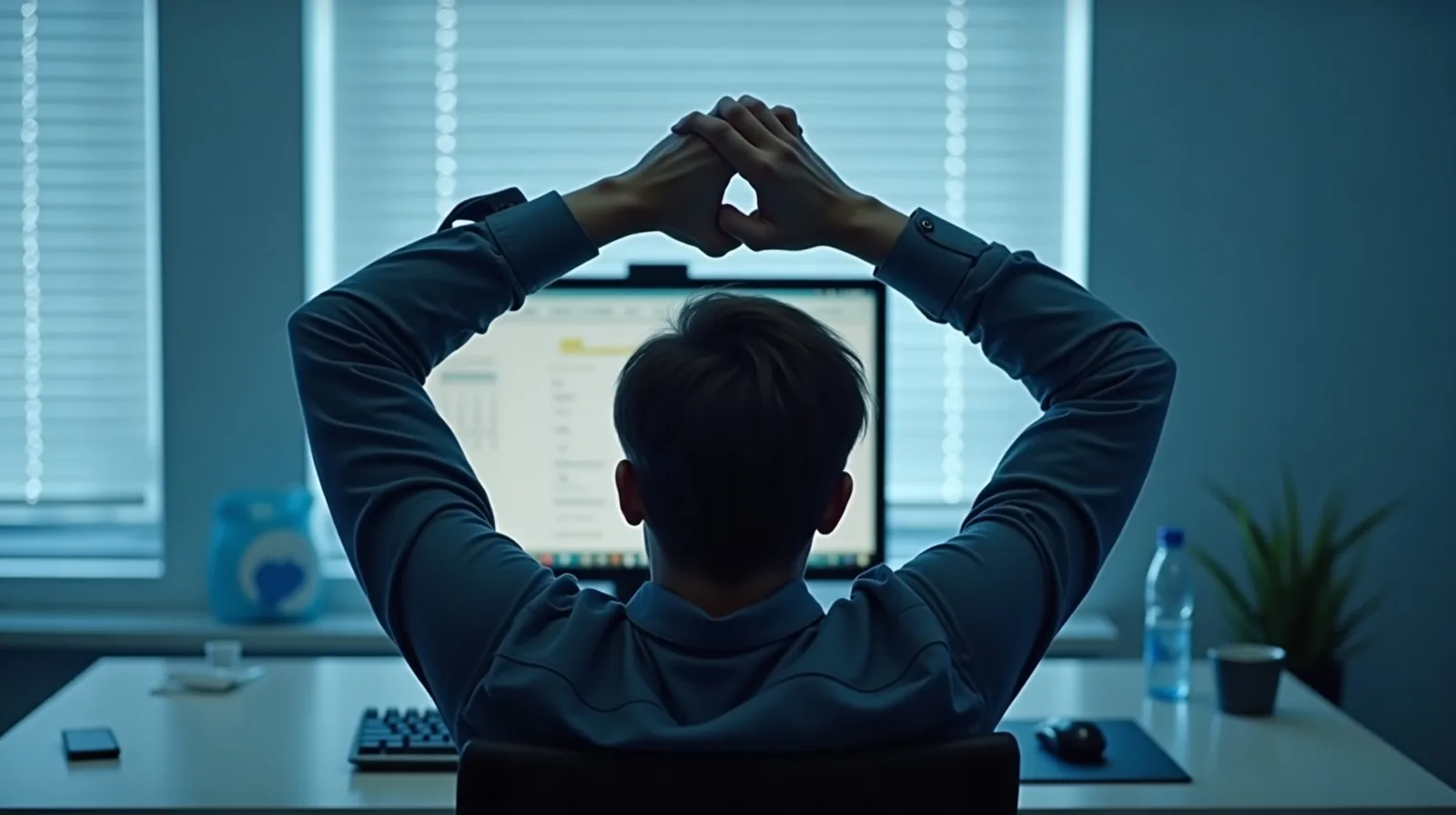
Somewhere around mid-afternoon it happens to nearly everyone who works at a desk: the shoulders creep forward, the chin drifts toward the screen, and the lower back quietly gives up. Then comes the guilty bolt-upright correction — which lasts about ninety seconds before the slump resumes. If that cycle sounds familiar, take heart: fixing desk posture isn’t about willing yourself into a rigid position for eight hours. It’s about a handful of small, physical changes to your setup and your day that make sitting well the path of least resistance — no willpower subscription required.
There Is No One Perfect Posture
The old image of ideal posture — spine straight as a fence post, shoulders pinned back — has largely given way to a more forgiving idea among physical therapists and ergonomics researchers: the best posture is your next posture. Bodies are built to move, and even a textbook position becomes uncomfortable when it’s held long enough. The problem usually isn’t that you sit wrong; it’s that you sit still. That reframe takes the pressure off. You don’t need to police your spine from nine to five — you need a setup that makes a relaxed, supported position the easy default, plus enough small movements that no single position overstays its welcome.
Rearrange the Desk, Not Yourself
Most slouching is just the body obediently following a badly placed screen or keyboard. Adjust the equipment, and better posture mostly comes along for free:
- Raise the screen. The top third of the monitor should sit at about eye height so your head stays balanced over your shoulders. A monitor stand is nice; a stack of sturdy books works just as well.
- Bring the keyboard close. Elbows near your sides and bent at roughly a right angle keep the shoulders relaxed. If you’re reaching forward to type, everything upstream rounds forward to follow.
- Sit back into the chair. Perching on the front edge turns your back muscles into furniture. Scoot your hips to the rear of the seat and let the backrest work — a small cushion or rolled towel behind the lower back helps it feel natural.
- Plant your feet. Flat on the floor, or on a box or thick book if the chair sits high. Dangling or tucked-under feet drag the whole posture forward.
- Mind the laptop trap. A laptop alone forces a choice between a low screen and a high keyboard. When you can, pair it with a separate keyboard and raise the laptop itself.
Move More Than You Adjust
Even a perfect setup can’t save a body that never moves, and public health guidance generally points toward breaking up long stretches of sitting rather than merely sitting prettily through them. The trick is attaching movement to things that already happen: stand up for phone calls, refill a deliberately small water glass (small is the point — more trips), stretch while a page loads or the kettle heats. Every half hour or so, aim for thirty seconds of anything — shoulder rolls, a gentle chin tuck, a tall reach toward the ceiling, a lap around the room. None of it looks like exercise. Repeated across a workday, it’s the difference between arriving at dinner stiff and arriving human.
When Stiffness Is Something More
Ordinary desk-job aches tend to ease within days once the setup improves and movement breaks become routine. Pain that behaves differently deserves real attention: discomfort that persists for weeks, keeps getting worse, wakes you at night, or comes with numbness, tingling, or weakness in an arm or leg isn’t a posture problem to push through — it’s a reason to see your doctor or a physical therapist. The same goes if you have an existing back or joint condition and want to add new stretches or exercises: a quick professional check beats guessing. This is general information, not medical advice, and persistent pain has earned a professional opinion.