
A home desk rarely gets buried all at once. It happens one loose charging cable, one piece of mail set down "for a second," and one pen that never makes it back to its cup, until finding a stapler means digging through three separate piles. Getting it back in order comes down to four things: an honest clear-off, zones sorted by how often something gets reached for, one home for every cable, and a landing spot for paper before it becomes a pile of its own.
Start With a Full Clear-Off, Not a Quick Tidy
Pull everything off the desktop, out of the drawers, and off any nearby shelf before deciding where any of it goes back. Straightening around what is already there just rearranges the same clutter into a tidier-looking pile; a cleared surface forces an honest sort. Group items into simple piles — daily tools like a laptop stand and a notepad, reference items used a few times a month, and the miscellaneous pile of dead pens and loose receipts that collects by default. Most desks turn up a few items untouched in months once the surface is actually empty, and those are easy candidates to toss outright.
Zone the Desk by How Often You Reach for Something
Once the keep pile is set, assign space by frequency rather than by category alone. The area directly in front of a keyboard is the easiest to reach, so today's project and the tools used every session belong there. A drawer or shelf within an arm's stretch suits things reached for a few times a week — a stapler, a spare notebook, a charging cable for an occasional device. Anything used only a few times a year, like tax paperwork, can move to a bin or filing box further away. Matching effort to frequency means daily tools never require standing up or opening three drawers first.
Give Every Cable and Charger One Home
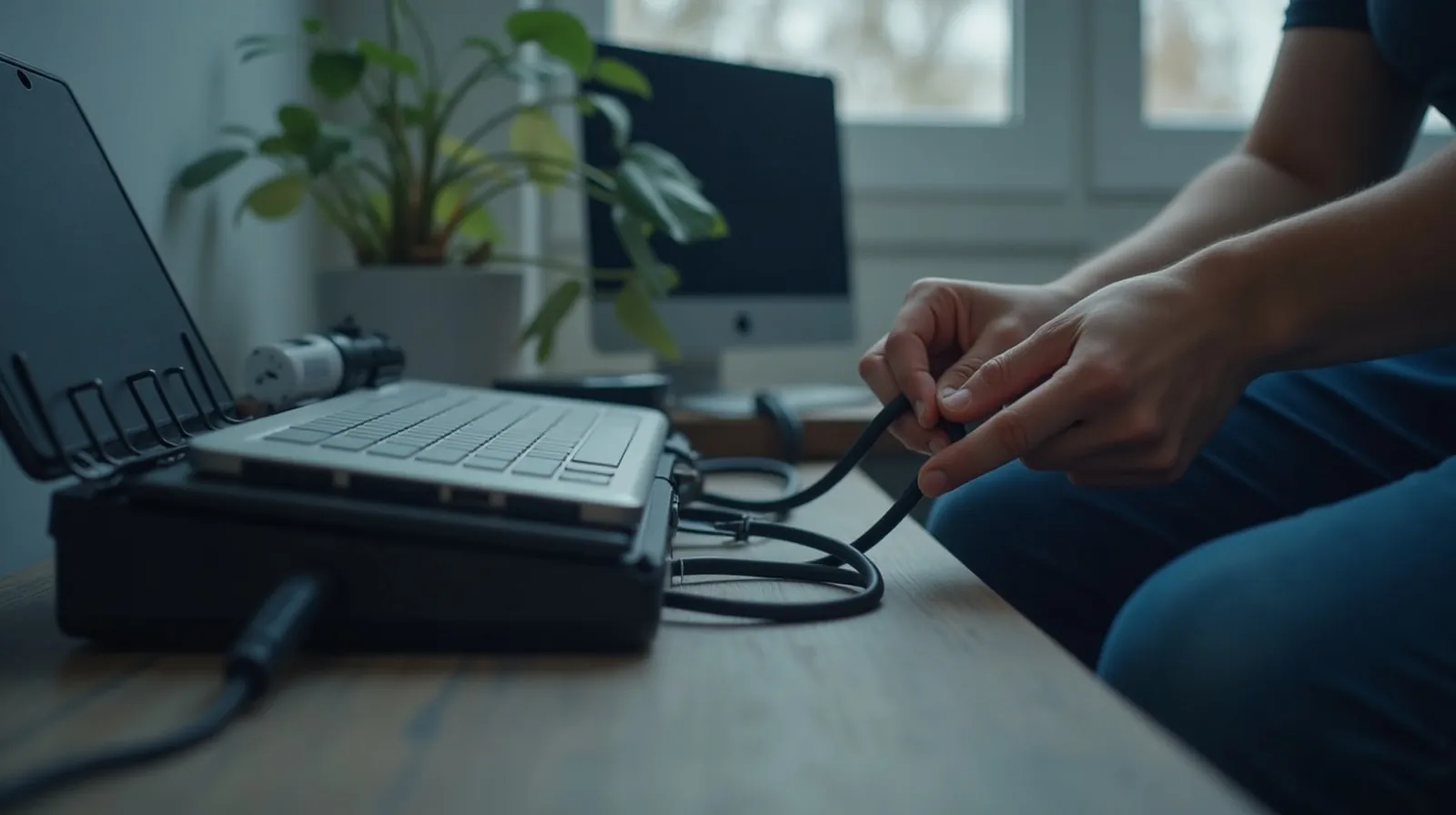
Loose cables are one of the fastest ways a tidy desk starts to look chaotic again. A single shallow tray near an outlet gives chargers and spare cables one home instead of a tangle across the desktop, and a couple of adhesive clips along the back edge keep cords in daily use from sliding onto the floor or looping across a keyboard. The goal is not a perfectly hidden setup, just a spot where a cable always returns instead of drifting wherever it was last unplugged.
Build a Landing Spot for Paper Before It Piles Up
Paper clutter rarely arrives as one big mess — it is mail and printed forms landing on the nearest flat surface because there is nowhere else for them to go. A simple three-tray flow fixes that: an inbox tray for anything unsorted, an action tray for the handful of items that need a reply or a signature this week, and a folder for what needs to be kept but not acted on. Checking the inbox tray once a day keeps paper moving instead of settling into a permanent stack beside the keyboard.
Keep It From Sliding Back Into Clutter
A home office stays organized on habits more than on the initial setup. A few keep it from drifting back to where it started:
- A two-minute reset at the end of each day. Returning pens, cables, and stray papers to their spots before logging off means the next morning starts on a clear desk instead of yesterday's leftovers.
- One home per item, no exceptions. If something new needs a permanent spot on the desk, something else has to earn its way off first.
- A weekly pass through the inbox tray. Even a fast Friday check keeps paper from quietly building into a stack that takes an hour to clear.
- Nothing stored directly on the floor beside the desk. A floor pile is usually the first sign a zone has run out of room and needs a bin, not more stacking.