
Most photo libraries are not disorganized so much as scattered. A few thousand pictures on a phone, a folder called “camera” on an old laptop, a memory card in a drawer, and two cloud accounts nobody has opened in years. Nothing is lost, exactly, but nothing is findable either. The fix is not an elegant system to maintain forever. It is a short, finishable project with a clear ending: one home, far fewer files, and a backup that runs without being asked.
Pick One Home, Then Move Everything Into It
Before sorting anything, choose the single place where photos will live from now on. Any of the mainstream options work; what matters is that there is exactly one. Then go collecting — phones, old laptops, memory cards, external drives, the cloud account tied to an email address barely in use anymore.
Dump it all into one staging folder without organizing along the way. Duplicates are fine at this stage, since a de-duplicating tool finds them faster than a person can, and sorting a pile that is still growing means doing the work twice.
Delete Before You Sort
The biggest reason photo projects stall is that people try to organize forty thousand files when perhaps twelve thousand deserve to exist. Deleting first makes every later step shorter. Work in twenty-minute sessions, oldest month first, and be quick about it.
- Burst near-duplicates. Nine frames of the same jump. Keep the best one, or two if the second is genuinely different.
- Screenshots. Nearly all of them were temporary — a receipt, a map, a message. Anything older than a month is usually safe to clear.
- Blurry and badly missed shots. If it cannot be rescued, it will never be looked at again.
- Photos of paperwork. Documents, forms, and parking spot reminders belong somewhere else, or nowhere.
- Accidental video. The four-second clips of a pocket or a ceiling. Video eats storage far faster than stills, so this pass pays twice.
A Folder Scheme Simple Enough to Keep
Skip elaborate hierarchies. A year folder holding date-and-event subfolders handles almost everything: a folder for the year, then one for the coast trip in April, then one for the backyard birthday in June, each starting with its date. Dates sort themselves, and the event words are what a person actually searches for months later.
Scanned prints are the exception. Old family photos carry no reliable date, so give them a decade folder and the names of the people in them. Ten minutes with a relative who remembers the faces is worth more than any tagging feature.
Favorites Are Where the Payoff Lives
Once the library is trimmed and filed, spend one more pass marking the small number of images that are genuinely good — the ones worth printing or showing someone. Most libraries land somewhere near one in fifty. That starred set becomes the album that actually gets opened, and the reason the whole project was worth doing. Keep it alive with a five-minute habit at the end of each month: pick the best handful from the last few weeks and mark them while the memory is fresh.
Back It Up Twice, Then Forget About It
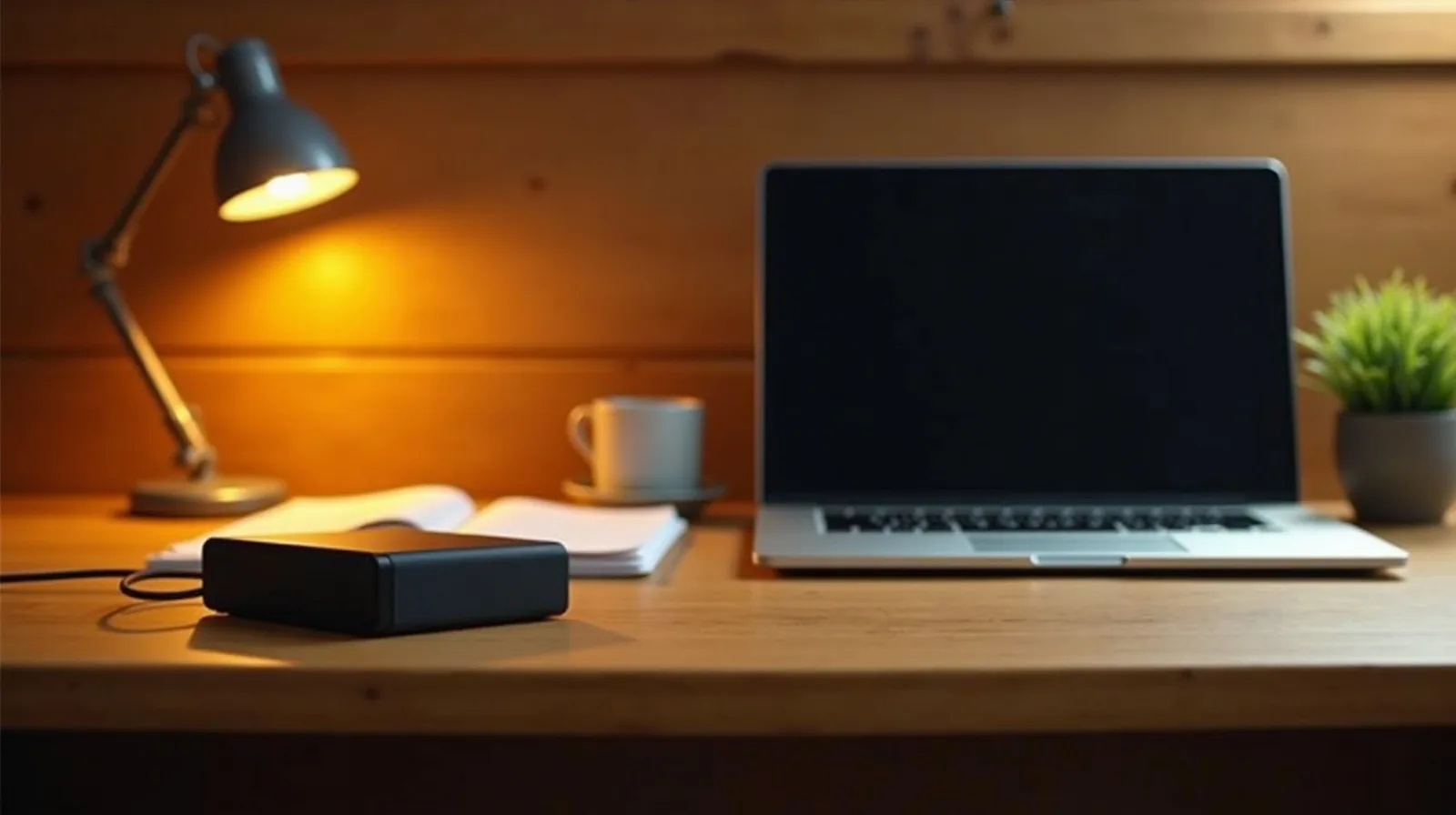
A single copy is not a backup, and a cloud account is not a second copy if it is the only place the files exist. Aim for the library plus two copies in different places: an external drive kept at home and a cloud service that runs on its own. Once a year, restore a handful of files from each to confirm they really come back, because an untested backup is a guess. Then leave it alone. That is what finished looks like.